How to Auto-DM on Instagram Reel Comments (Step-by-Step Guide)
Short answer: To auto-DM people who comment on your Reel, connect your Instagram Business or Creator account to a comment-to-DM tool through Instagram's official login. Pick the Reel, choose a trigger keyword like "PLAN", write the DM, and switch it on. When someone comments the keyword, the tool sends them a private message within seconds. Setup takes about five minutes.
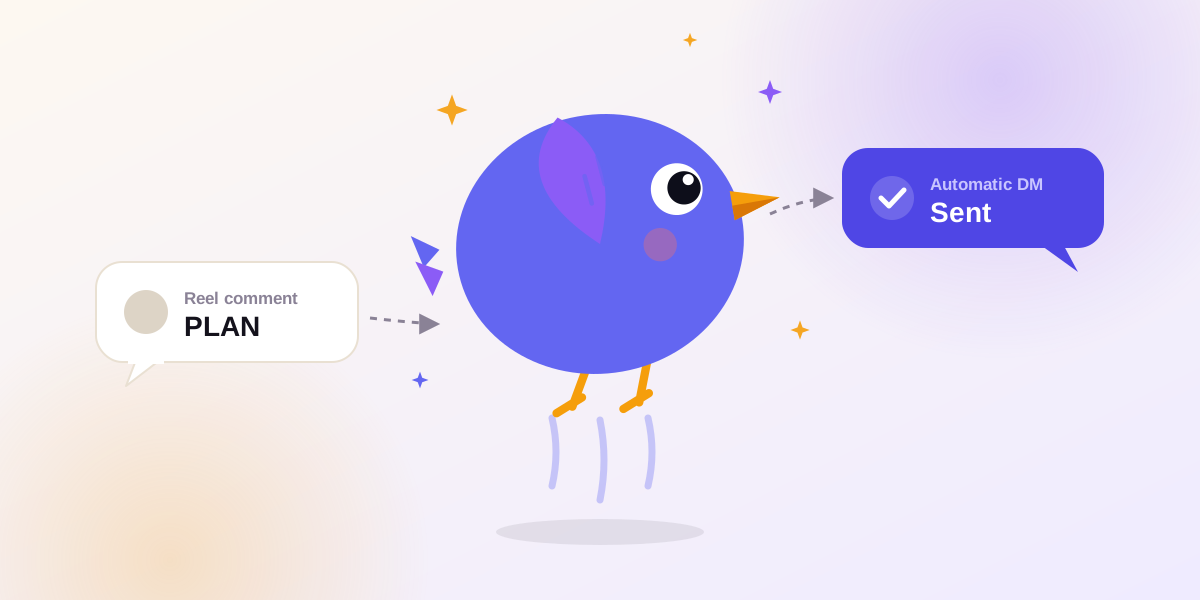
Below is the full setup in Inboto, plus keyword and message tips, Instagram's rules, and fixes for when a DM doesn't send.
What you need before you start
- An Instagram Business or Creator account. Personal accounts can't use the messaging API. Switching is free: Settings → Account type and tools → Switch to professional account.
- A tool that connects through Instagram's official login. You approve access on Instagram's own screen and never type your password into a third-party site. If a tool asks for your Instagram password, walk away.
- A Reel with a clear call to action, so people know which word to comment.
How comment-to-DM works
- Someone comments your keyword on your Reel.
- Instagram notifies your automation tool.
- The tool checks the comment against your rules (keyword, which Reel, your plan's limits).
- If it matches, the tool sends your DM as a private reply to that comment.
You do nothing once it's live.
Step-by-step setup in Inboto
Step 1: Connect your Instagram account
Go to Settings → Instagram and click Connect. You'll land on Instagram's own login and permission screen. Approve it and you're redirected back. No Facebook Page is required.
Step 2: Create a new automation
Go to Automations → New and choose Comment as the trigger.
Step 3: Pick your Reel
Choose the specific Reel this automation should watch, or apply it to all your posts and Reels. Use a specific Reel when the offer is tied to that video.
Step 4: Set your keyword and match type
- Exact: the comment must be exactly your keyword. Cleanest, but a comment like "plan pls" won't fire.
- Contains: fires when the comment includes your keyword. Best for most creators.
- Any comment: fires on every comment. Use it for giveaways.
Step 5: Write your DM
Add your message, and optionally a button with a label and link (your guide, product page, booking link).
Step 6 (optional): Add a public reply
A short reply like "Sent! Check your DMs 📩" confirms delivery and shows other viewers that commenting gets them something. Vary the wording across Reels so it doesn't look robotic.
Step 7: Test, then switch it on
Comment your keyword from a second account. You should get the DM within a few seconds. If it works, you're live.
Choosing a keyword that works
- Short and easy to type: PLAN, GUIDE, LINK, PRICE, DEMO. One word beats a phrase.
- Put it in the caption and the video. Say it out loud and show it on screen, because most people skim the caption.
- One keyword per Reel. A different word each time lets you see which offer performs.
- Use "Contains" matching so "GUIDE please" or "guide 🙏" still fires.
DM templates you can copy
Fitness coach
Hey! 🙌 Here's the 7-day high-protein Indian meal plan you asked for. Tap below to get it. Reply here if you have any questions!
Button: Get the plan
Clothing brand
Thanks for asking 😊 The kurta set is ₹1,499 in S–XL. Tap below to order, and reply with your size if you need help.
Button: Shop now
Hinglish version
Hi! Aapne "PLAN" comment kiya tha, ye raha aapka free diet plan 👇 Koi sawal ho toh yahin reply kar dena.
Keep DMs short. Lead with what you promised, add one link, and end with an invitation to reply.
Instagram's rules and limits
- One private reply per comment. A comment can trigger a single DM. Further messages are possible only if the person replies to you.
- 7-day window. The DM must go out within 7 days of the comment.
- The person must comment first. You can't DM strangers who haven't interacted with you. Tools that claim to are using unofficial methods that risk your account.
- Business or Creator accounts only.
- Live comments must be answered during the broadcast.
- If they don't follow you, the DM may land in their message requests.
Inboto also has built-in safeguards. New accounts have a conservative cap for their first day, and if a Reel goes very viral, Inboto keeps comment DMs under Instagram's hourly limit to protect your account.
Troubleshooting: why didn't the DM send?
| Problem | Likely cause | Fix |
|---|---|---|
| Nothing sent | Keyword mismatch (Exact match) | Switch to Contains |
| Nothing sent | Personal account | Switch to Business/Creator and reconnect |
| Nothing sent | Comment older than 7 days | Can't be recovered. Comment fresh. |
| Only some people got it | Already replied to that comment, or usage limit reached | Check your plan usage |
| Automation stopped | Instagram connection expired | Reconnect Instagram |
| Nothing at all | Wrong Reel selected | Confirm the automation targets this Reel |
Common mistakes
- Promising something in the Reel that the DM doesn't deliver
- Using a keyword that's also a common word people comment anyway
- Skipping the test comment
- Stacking three offers in one DM
FAQ
Can I auto-DM anyone who comments on a Reel?
Only people who comment on your own Reels, from a Business or Creator account.
Is it allowed by Instagram?
Yes, when a tool uses Instagram's official login and the DM responds to a comment. Cold DMs and password-based tools aren't allowed.
How fast is the DM?
Usually within a few seconds.
Can I send more than one message per comment?
No. You get one private reply per comment. Once they reply, you're in a normal conversation.
Does it work on old Reels?
Yes, as long as the comment is less than 7 days old.
Is it free?
Inboto has a free plan. See the pricing page for current limits.
Start in five minutes
Connect your Instagram, pick your next Reel, and set your first keyword. Try Inboto free →